

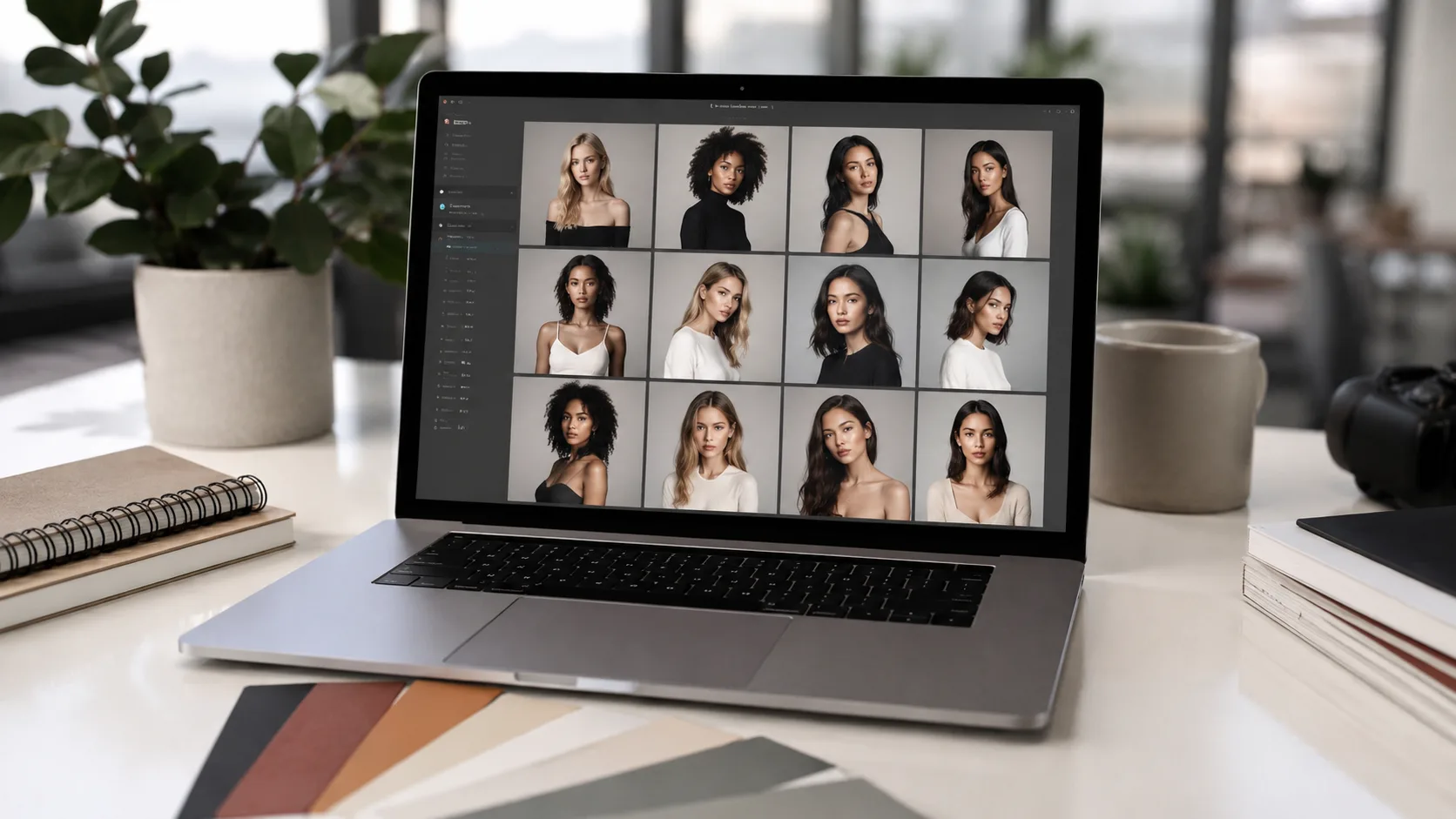
A business profile photo used to be something people updated only when it became embarrassing. A new job, a public speaking slot, a company bio page, or a LinkedIn refresh might finally push someone to book a photographer or ask a colleague to take a few pictures near a window. Until then, the same old crop stayed in place.
That habit is starting to look dated. More work now begins with a profile. Before a sales call, people check the founder’s page. Before a podcast booking, they scan the guest’s bio. Before a client meeting, they see a consultant’s LinkedIn photo inside a calendar invite. The image is not doing all the persuasion, but it is part of the first read.
This is where AI portrait tools are becoming useful. Not as a replacement for every professional photoshoot, and not as a license to look like someone else. Their better use is more ordinary: helping people create a few credible profile images when the old one no longer matches the way they work.
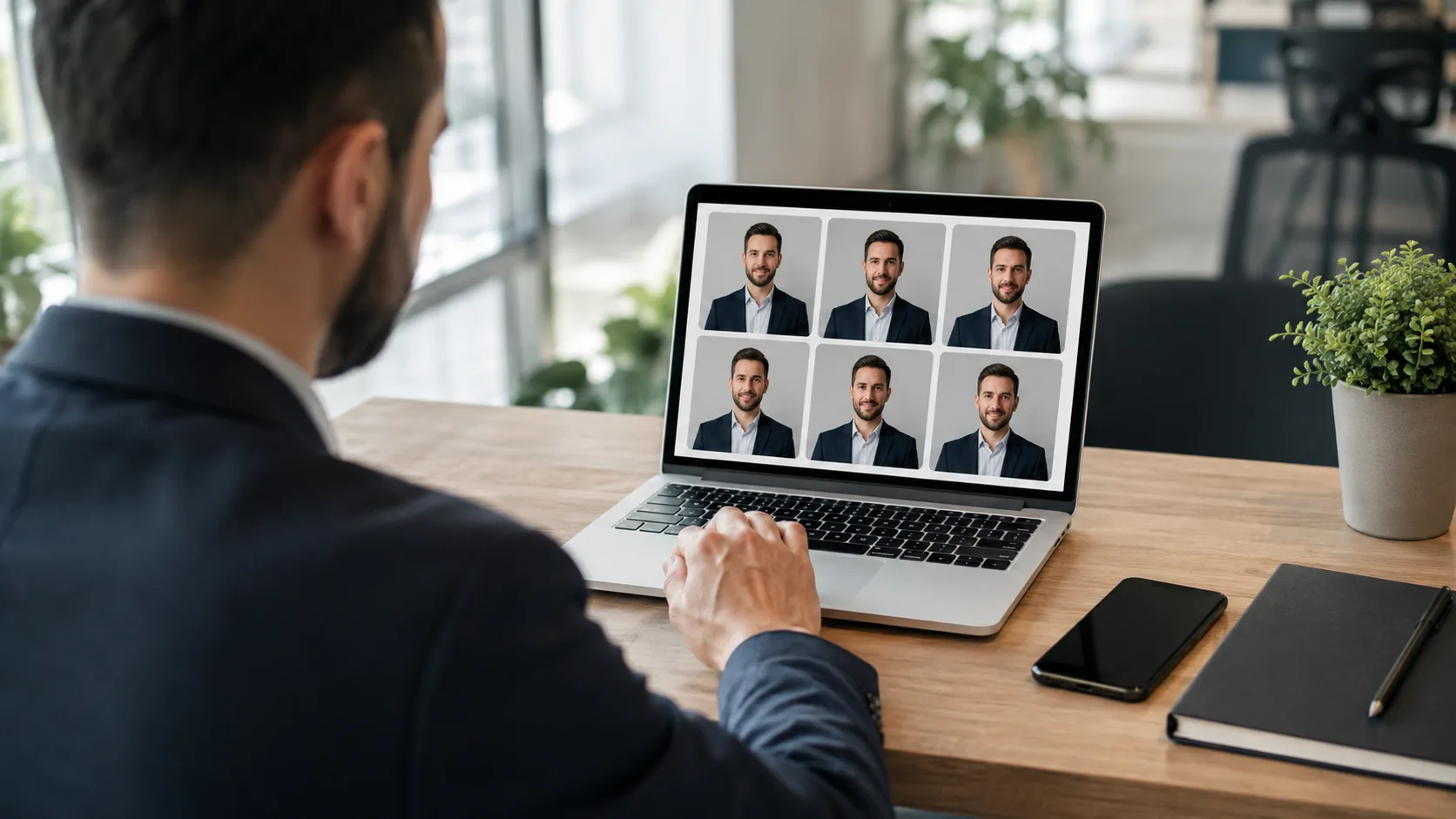
Table of Contents
A profile photo now carries more business context
The modern profile photo has too many jobs. It may appear on LinkedIn, a founder page, a pitch deck, a newsletter byline, a conference website, a podcast tile, a Slack workspace, a CRM record, and a client proposal. Each place asks for a slightly different level of polish.
A stiff studio headshot can feel right on a corporate leadership page but odd on a creator profile. A casual phone selfie may be fine for a private account but weak on a public business bio. A cropped wedding photo may look friendly but still signal that the person has not thought about their professional presence in years.
Most people do not need one perfect photo. They need a small set of images that match different contexts. One clear, direct portrait for credentialing. One warmer image for speaking and media. One more editorial image for a personal website or newsletter. The useful shift is from “get a headshot” to “build a profile photo library.”
That library also makes the review process less emotional. Instead of asking whether one image captures everything about a person, the business question becomes simpler: which version fits this channel, this audience, and this moment? That is easier to answer when there are several credible options on the table.
For founders, freelancers, consultants, and creators, tools such as DatePhotos AI can sit inside that library-building workflow. The point is not to publish every generated result. The point is to see more plausible versions of your public image before deciding what deserves to go live.
The old photoshoot model has too much friction
Traditional photoshoots still matter. A skilled photographer can coach expression, fix posture, manage light, and notice details that software misses. For executive teams, large campaigns, and brand launches, that human direction is hard to replace.
The problem is that many profile photo updates are smaller than that. A founder needs a cleaner speaker photo by Friday. A freelancer wants a more current image before sending proposals. A recruiter asks for a bio photo. A newsletter writer needs an author image that does not look like a passport crop. None of these necessarily justify a full studio day.
That gap is where AI portrait workflows are finding room. They reduce the cost of trying. A user can start with a recent selfie, test several portrait styles, reject the ones that feel too polished or too synthetic, and keep the one that still looks believable. The editing process becomes closer to choosing a direction than commissioning a whole production.
This matters for small businesses because the blocker is often not taste. It is time. People know their profile image is old, but the task sits below more urgent work. When the update can happen in a lunch break, it is more likely to happen at all.
Portraits are not the same as headshots
A headshot usually has a narrow job. It should make someone look professional, recognizable, and suitable for a formal environment. The safest version is centered, well lit, and simple. That works well for a lawyer profile, a medical team page, a corporate directory, or a job application.
A portrait has more room. It can carry mood, setting, style, and a little personality. For business use, that does not mean theatrical. It means the image can show more of the person behind the role. A founder in a soft editorial portrait may feel more approachable than the same person in a rigid studio crop. A designer may want something with stronger visual taste. A writer may want an image that fits a publication bio rather than a company badge.
The difference sounds small, but it changes the tool you choose. A normal headshot generator tends to optimize for clean professional signals. A portrait tool should offer more range: lighting choices, outfit direction, background mood, and compositions that still preserve identity.
This is why a focused portrait generator is better suited for editorial business images than a generic filter app. The DatePhotos AI portrait page is built around one clear selfie and a set of styled portrait recipes, so the user can test a more polished look without turning the result into a costume.
The best results start with a current source photo
AI does not remove the need for judgment. The source image still matters. A blurry selfie, a heavily filtered face, or a photo from five years ago is a weak starting point. If the input does not represent the person today, the output may look impressive but still be wrong.
The strongest workflow starts with a recent, front-facing photo in decent light. It does not need to be glamorous. It should show the face clearly, without sunglasses, heavy filters, or extreme angles. That gives the model enough information to preserve identity while changing the setting, wardrobe direction, and lighting style.
After that, variation should be controlled. Test a few directions, not twenty unrelated ones. A clean studio portrait, a warmer editorial look, and one context-rich option will teach you more than a random pile of styles. The goal is to identify what feels credible for the platform where the image will be used.
This is also where people should be strict. If a result makes you look too young, too polished, too corporate, or simply unlike yourself, discard it. A good profile image should survive a real-world meeting. If someone sees the photo before a call and then meets a noticeably different person, the image has failed its business purpose.
How companies can use AI portraits without making them feel fake
For teams, the temptation is to make every employee photo look identical. That can be useful for directories, but it can also flatten personality. A startup, agency, or consultancy may not need a uniform headshot grid. It may need consistency without making everyone look processed through the same machine.
For solo professionals, a focused AI portrait generator can be a cleaner choice than asking a broad image tool to guess the whole scene. The user still needs to review the result, but the workflow starts from a portrait intent rather than a random style prompt.
A better rule is to set boundaries rather than force sameness. Decide what is acceptable: clear face, current appearance, no misleading age changes, no unrealistic background, no extreme retouching, no invented credentials. Then let people choose a portrait direction that fits their role and comfort level.
Teams should also separate public-use images from internal experiments. AI tools make it easy to generate dozens of options, but only a few should leave the folder. The review step matters. Someone should check whether the image matches brand tone, whether the person is recognizable, and whether the final file looks natural next to other public assets.
For small organizations, that review can be simple. Keep one approved portrait for LinkedIn and company pages, one warmer portrait for media or events, and one casual but polished image for social channels. That is enough variety without creating a confusing personal brand.
What to check before publishing an AI-generated business portrait
The first check is identity. The face should look like the person, not a close relative or a more cinematic version of them. Look at eyes, mouth shape, hairline, glasses, beard, and skin texture. Small errors are easier to spot when the image is placed next to a real photo.
The second check is context. A background can be attractive and still be wrong. A luxury setting may feel strange for a practical consultant. A dramatic studio portrait may not fit a financial advisor. A relaxed lifestyle shot may be poor for a regulated professional service. The best business image fits the buyer’s expectations without looking staged.
The third check is platform fit. LinkedIn rewards clarity at small sizes. Speaker pages often need a more memorable image. Company bios need consistency. Newsletter bylines can handle more personality. A portrait that works beautifully on a personal website may not be the right thumbnail in a CRM or webinar listing.
The final check is restraint. Good AI editing should remove friction, not erase the person. If the photo makes the viewer think about the tool before they think about the person, it has gone too far.
The practical middle ground
AI portrait generators are useful because they solve a boring but common problem: people need better profile images more often than they can justify a photoshoot. The business case is not fantasy transformation. It is faster testing, cleaner options, and a shorter path from “I need a new photo” to “this one is good enough to publish.”
The strongest use of the technology is modest. Start with a recent selfie. Generate a few credible portrait directions. Keep the image that still looks like you, fits the platform, and supports the role you want the profile to play. That is not replacing professional identity. It is maintaining it with less delay.


